POS
Pharmacy software in Pakistan: features every medical store needs
Batches, expiry dates, fast billing and supplier balances: what medical store software must handle.
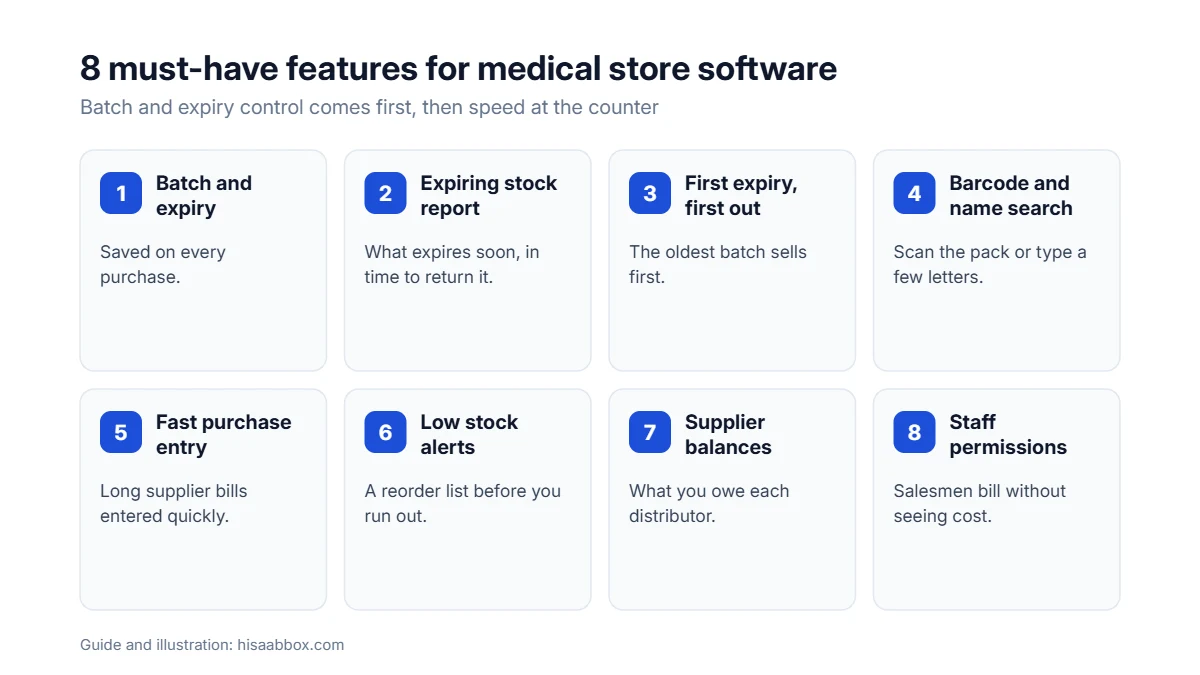
A medical store is one of the hardest shops to run on paper. There are thousands of small items, the same medicine arrives in different batches with different expiry dates and prices, and one expired strip sold by mistake is a serious problem. Pharmacy software exists to take that load off the owner.
Why a pharmacy needs special software
A general shop program treats a product as one line with one quantity. A pharmacy cannot. Panadol bought in March and Panadol bought in June are different batches. Each has its own expiry date and often its own purchase price. The software has to know which batch is on the shelf and which one should be sold first.
Must-have features for medical store software
| Feature | What it does for you |
|---|---|
| Batch and expiry on every purchase | Each delivery is saved with its batch number and expiry date. |
| Expiring stock report | A list of what expires soon, so you can return it to the supplier in time. |
| First expiry, first out | The oldest batch is sold first, so stock does not die on the shelf. |
| Barcode and name search | Find a medicine by scanning the pack or typing a few letters. |
| Fast purchase entry | Enter a supplier bill with many items quickly, with stock updated at once. |
| Low stock alerts | A reorder list before a fast-moving medicine runs out. |
| Supplier balances | What you owe each distributor, with payments and statements. |
| Staff permissions | Salesmen can bill without seeing purchase prices or profit. |
Expiry control is where the money is
Expired stock is a direct loss. Most distributors accept returns only within a time window, so the software must warn you early, not on the day of expiry. Look for a report that shows what expires in the next 30, 60 and 90 days, with the value at cost. Run it every week.
Billing speed at a busy counter
Customers at a pharmacy rarely wait patiently. The salesman should be able to scan or type, pick the item, change quantity and print a receipt without touching the mouse. Selling loose tablets from a strip, giving a discount and holding a bill while the customer fetches a prescription should all be simple.
Reports a pharmacy owner should see
- Daily sales and cash, by salesman and by shift
- Profit by day and by month
- Stock value at cost and at retail
- Expired and expiring stock
- Fast-moving and slow-moving medicines
- Supplier ledger and purchase history
Questions to ask before you buy
- Can I enter batch and expiry at purchase, and is it compulsory for medicines?
- Does it warn me before stock expires, not after?
- Can I import my existing medicine list instead of typing it?
- Does it work with my barcode scanner and thermal printer?
- Can I check sales from my phone when I am not at the store?
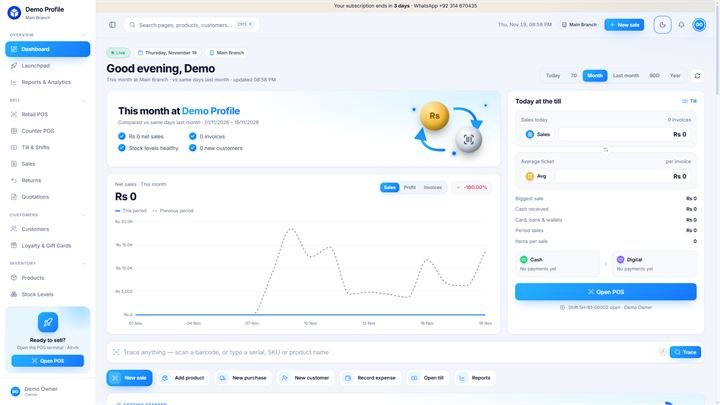
You can see it in our work and ask for a demo account. For general advice on choosing, read how to choose POS software in Pakistan.
Common questions
What is the most important feature in pharmacy software?
Batch and expiry tracking. Every purchase should be saved with its batch number and expiry date, and the software should warn you about stock that is close to expiry.
Can pharmacy software work with a barcode scanner?
Yes. A USB barcode scanner works like a keyboard, so scanning a pack finds the medicine and adds it to the bill.
Can I see my medical store sales on my phone?
With online pharmacy software you can sign in from your phone and see sales, stock and reports from anywhere.
More guides

Zubair Aslam builds the POS, billing and inventory software shown on this site. Get in touch